
Before the visit
Start with a guest invitation form
Collect guest details through a request form. Set the required fields and route the submission through the review steps your property needs.
See request forms and workflows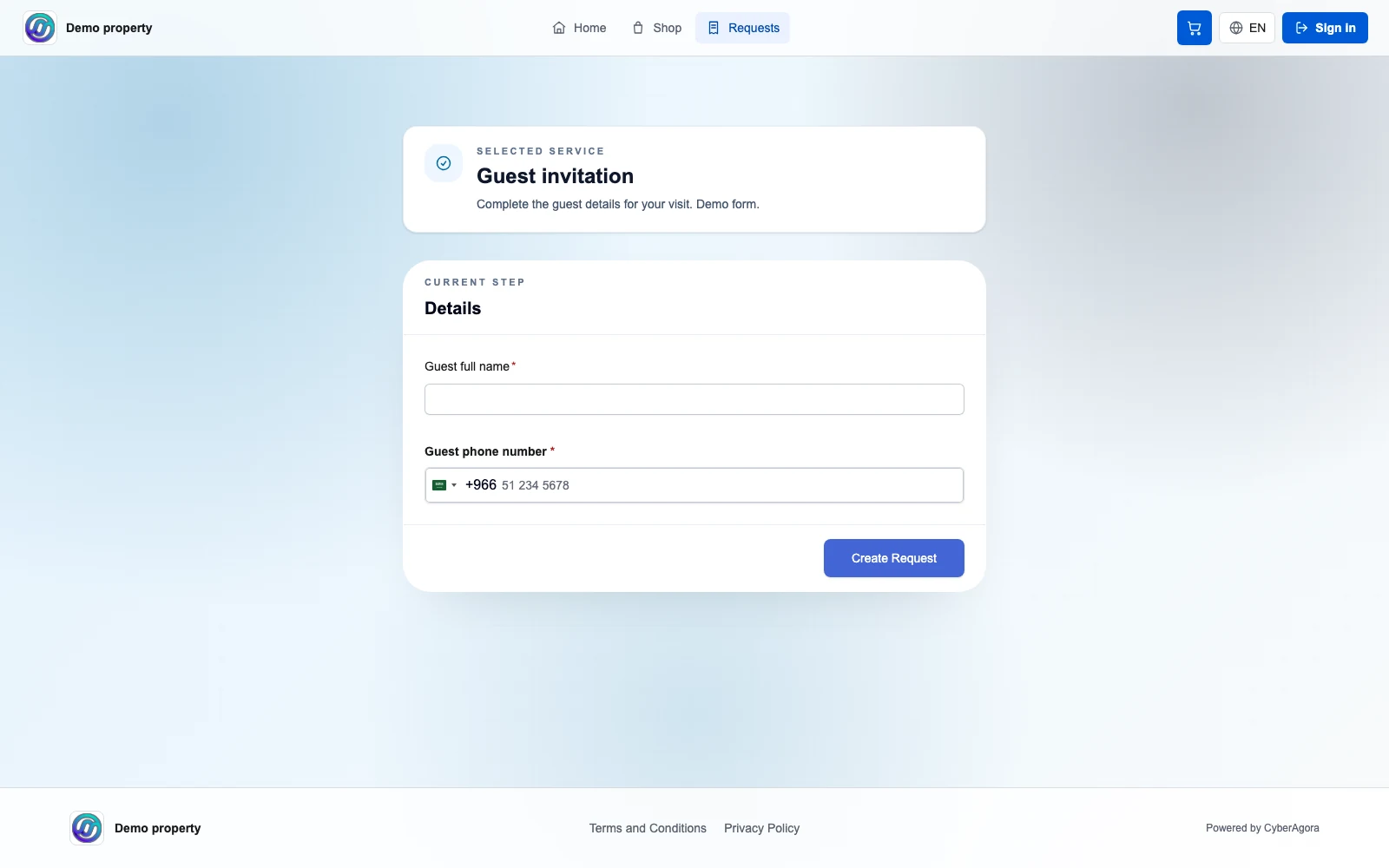
For hotels, resorts and beach clubs
Run OSS connects guest requests, staff tasks and service workflows for hotels, resorts and beach clubs. Start with invitation forms, equip your team with OSS Connect, and plan a guest app under your own brand.
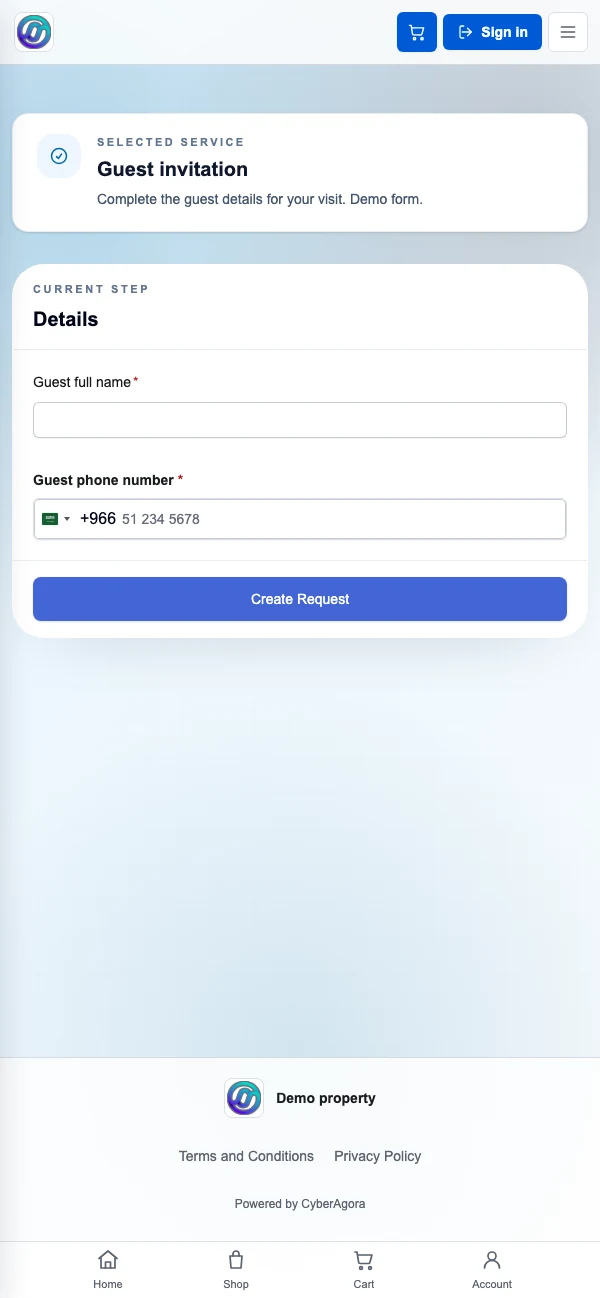
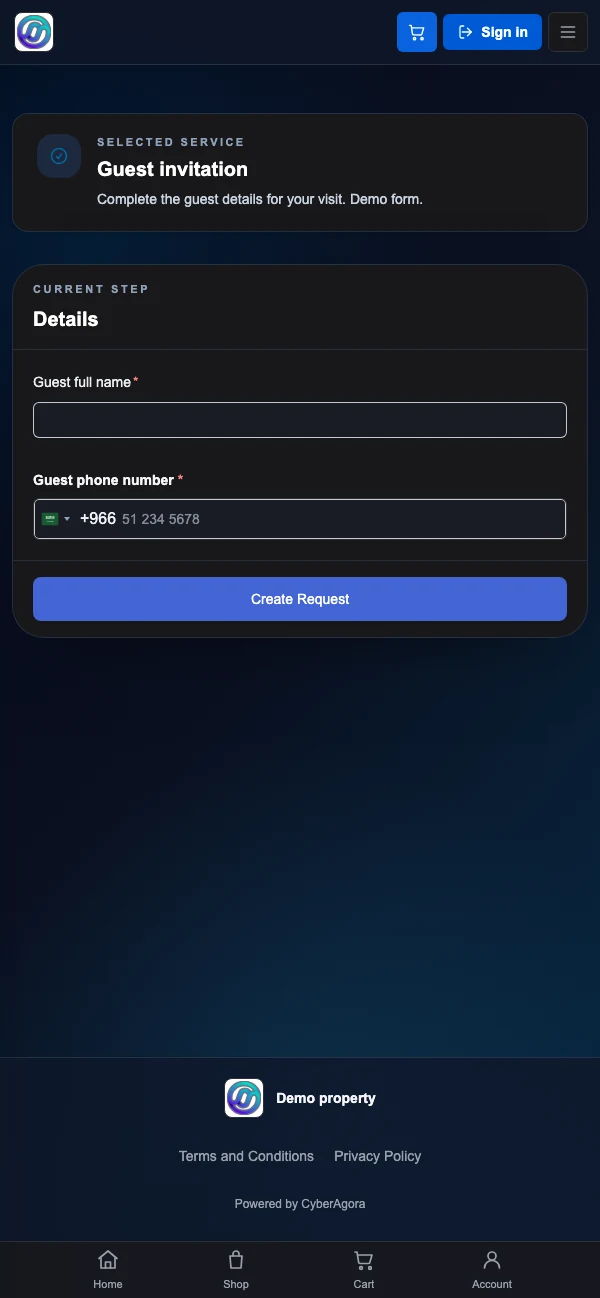
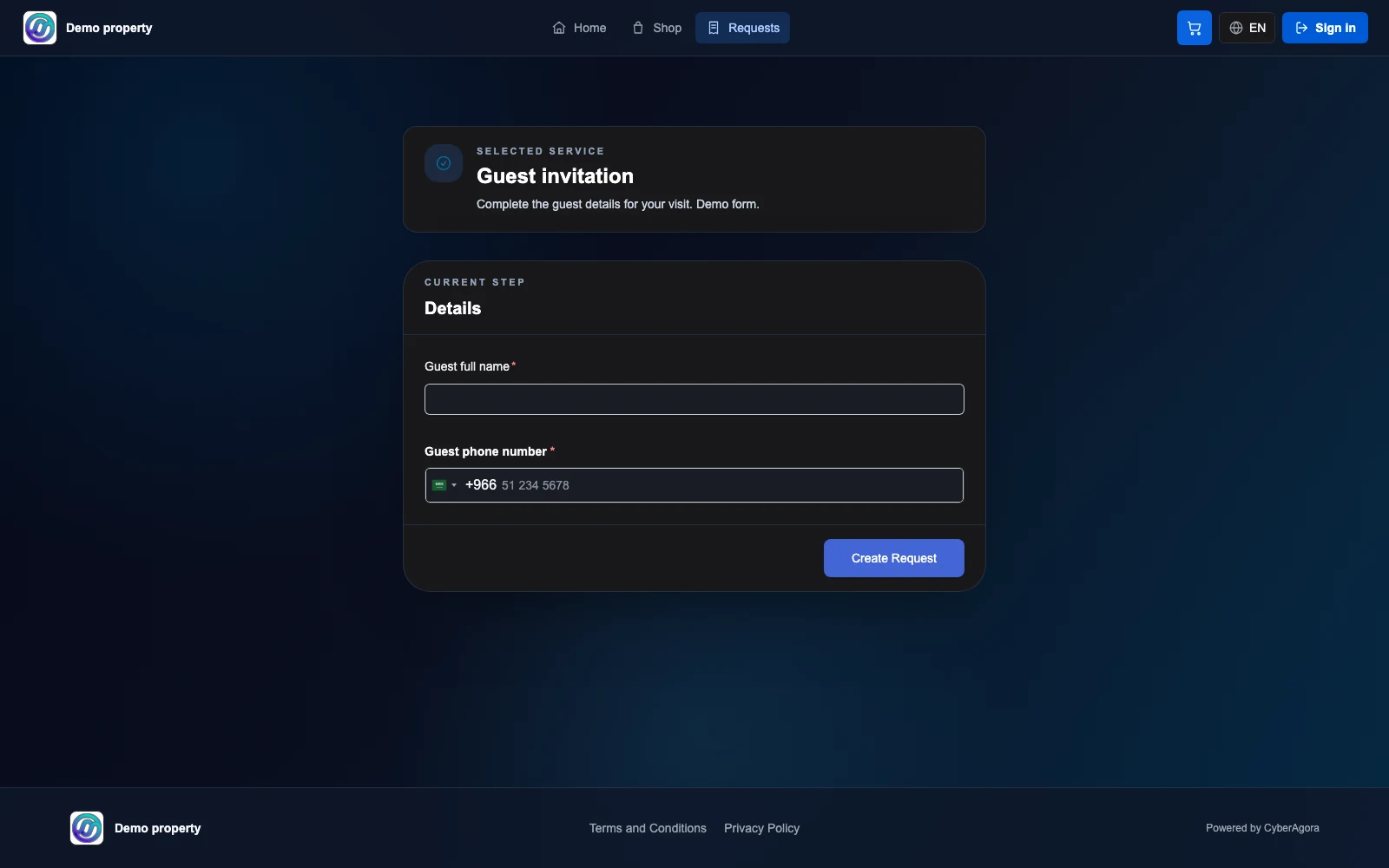
A guest invitation is a request form. Actual Run OSS form, shown on desktop and mobile web with demo content.
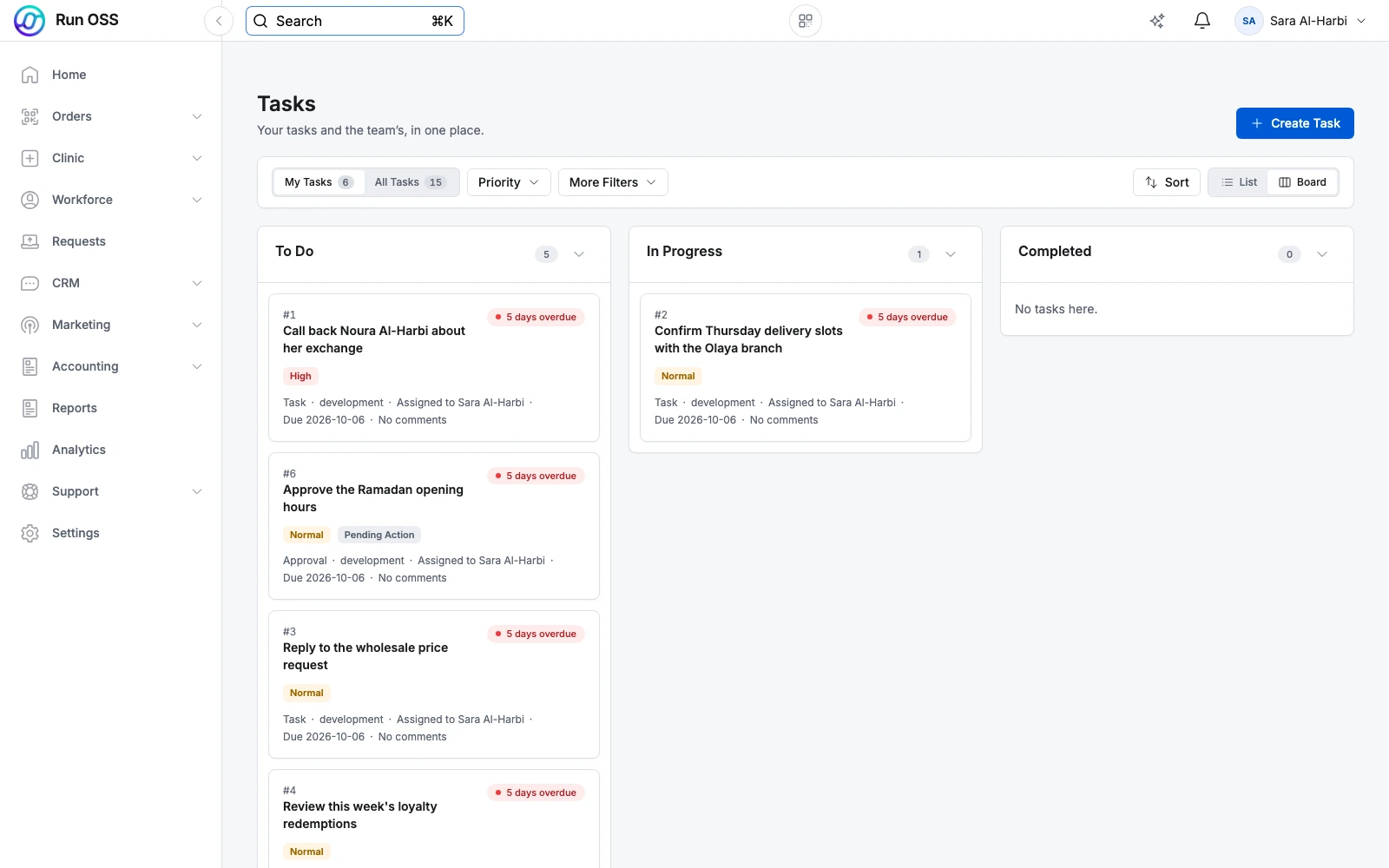
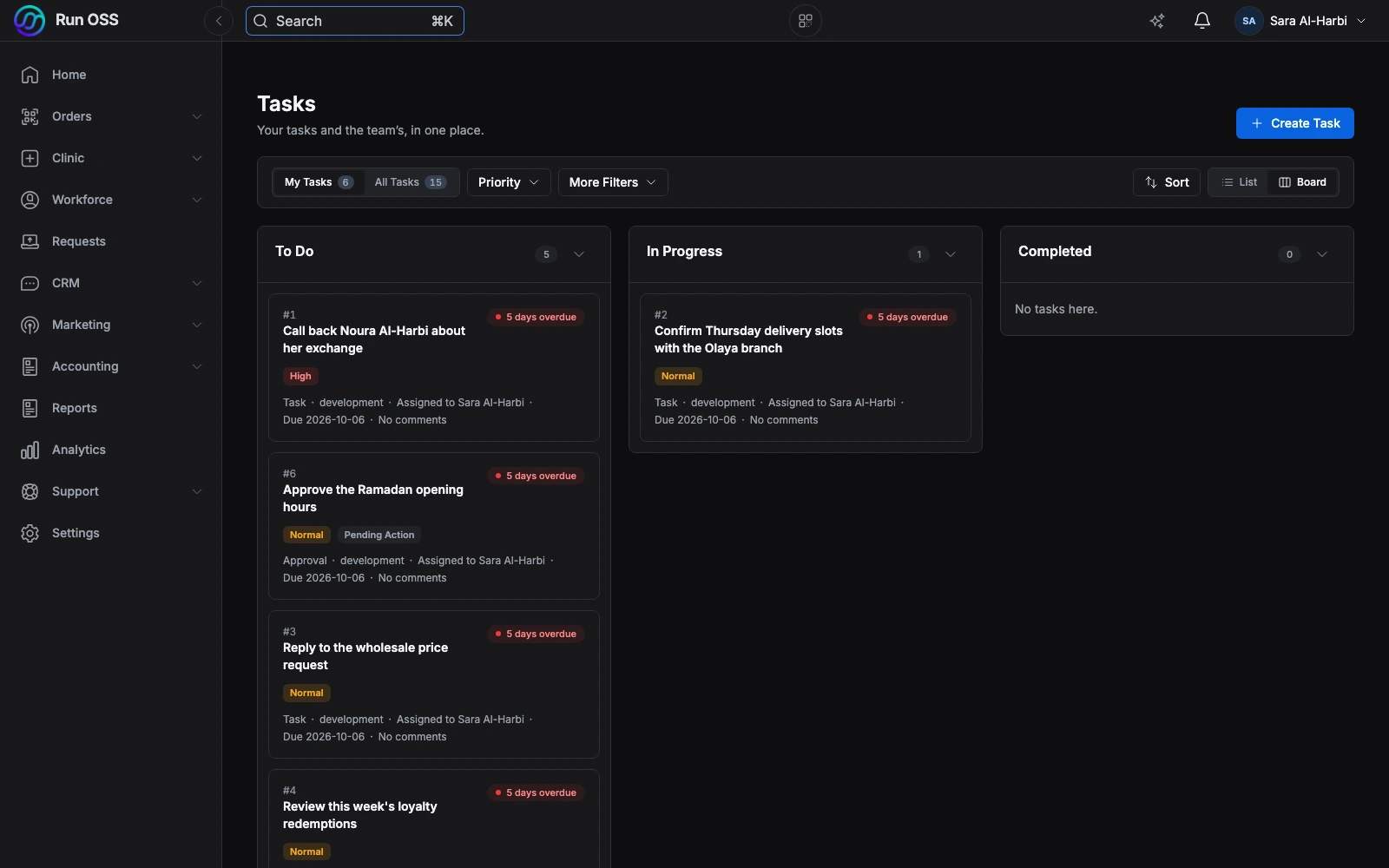
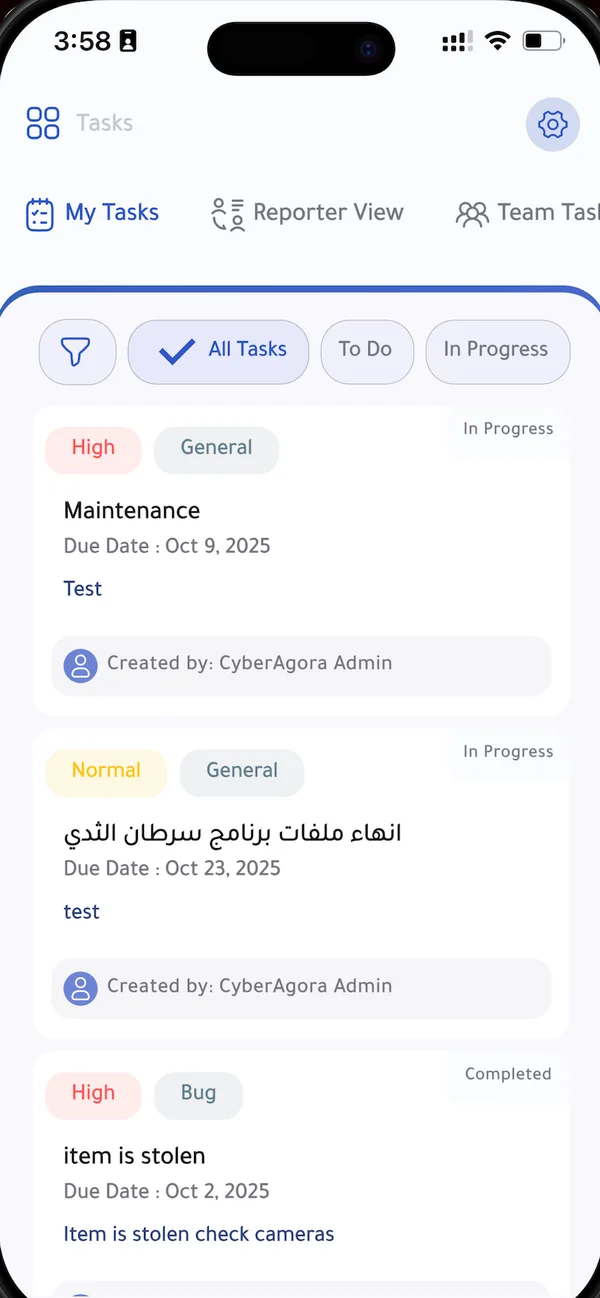
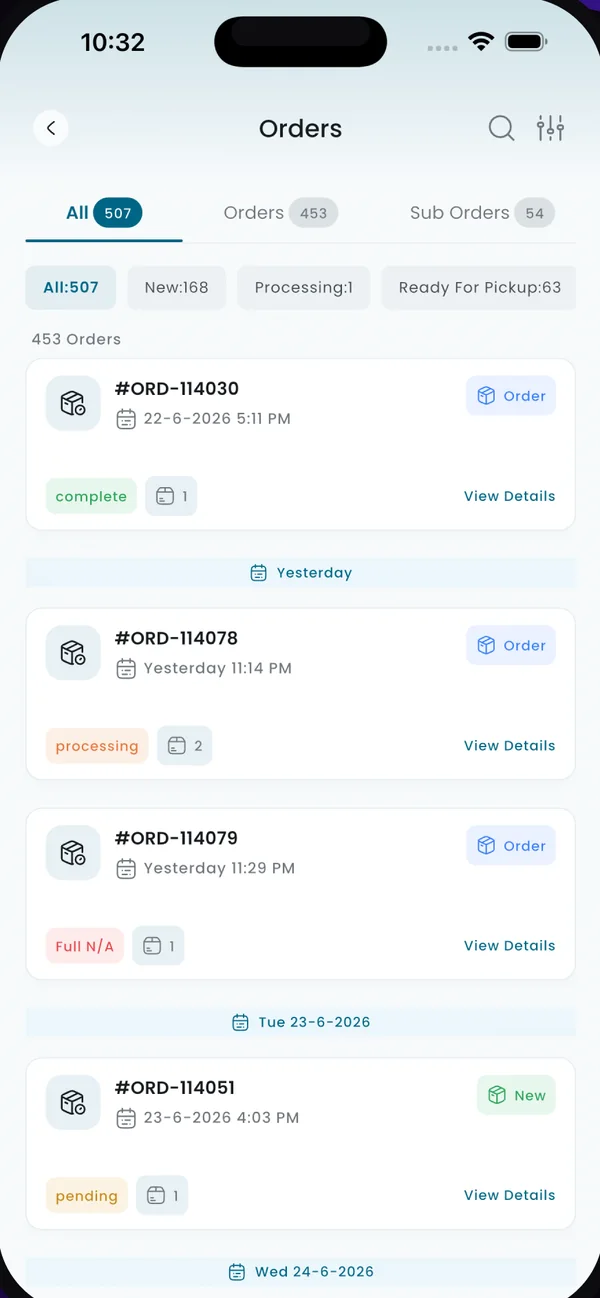
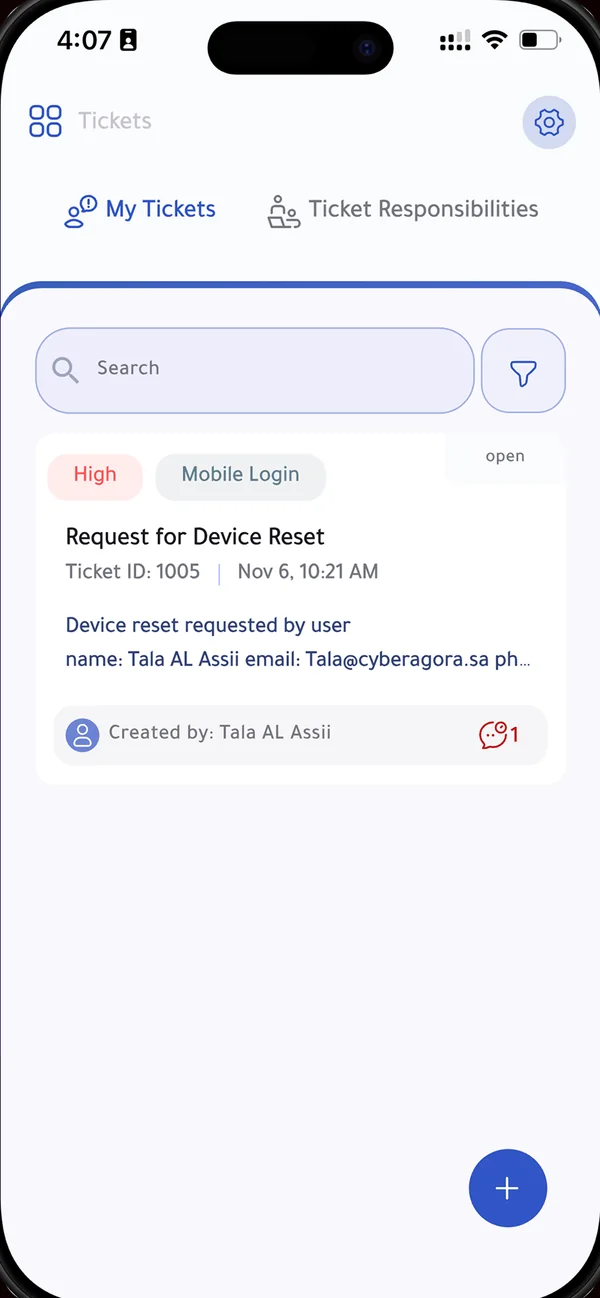
The task board at the desk. OSS Connect in the team’s hands. Web demo and native app store screens.
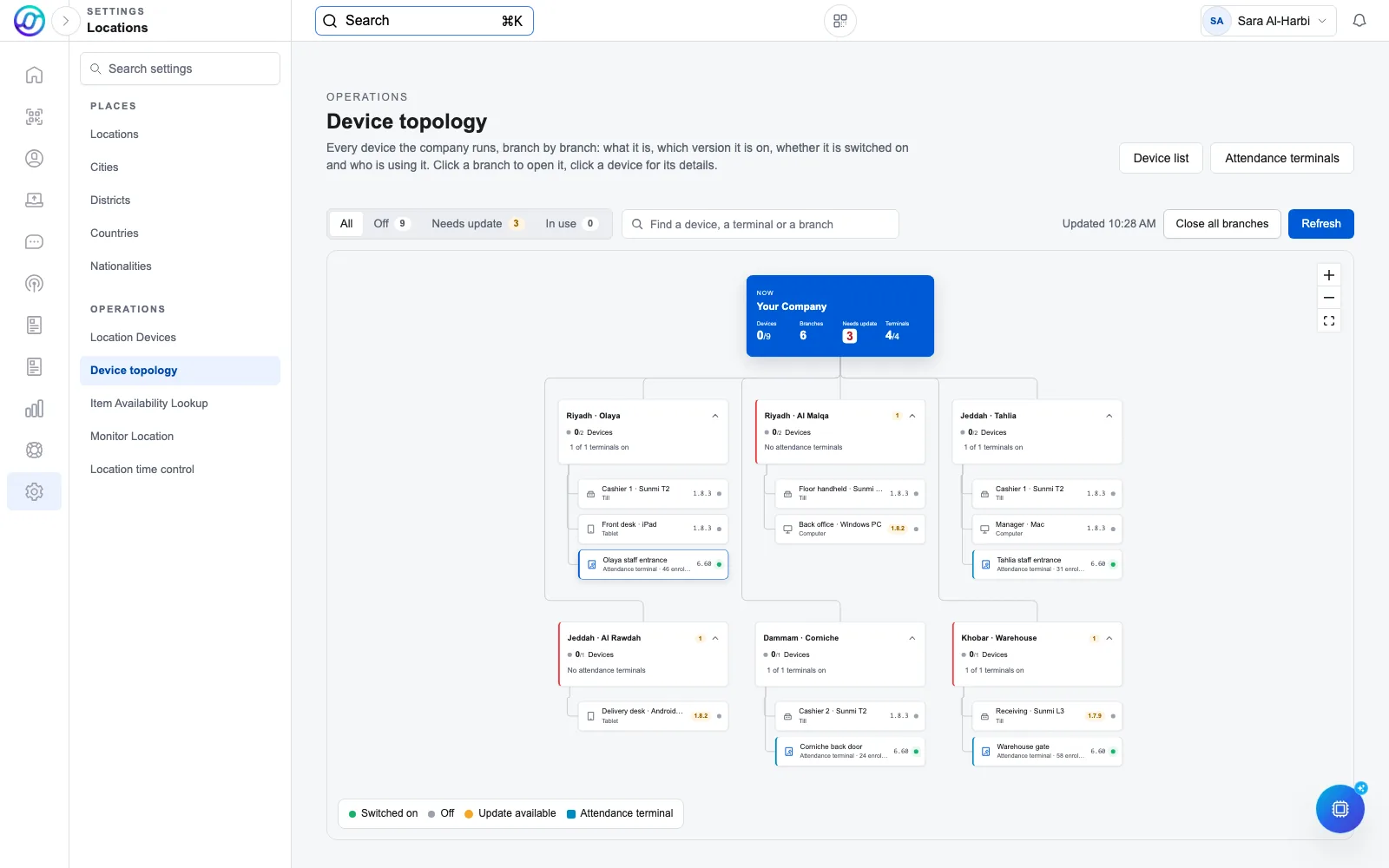
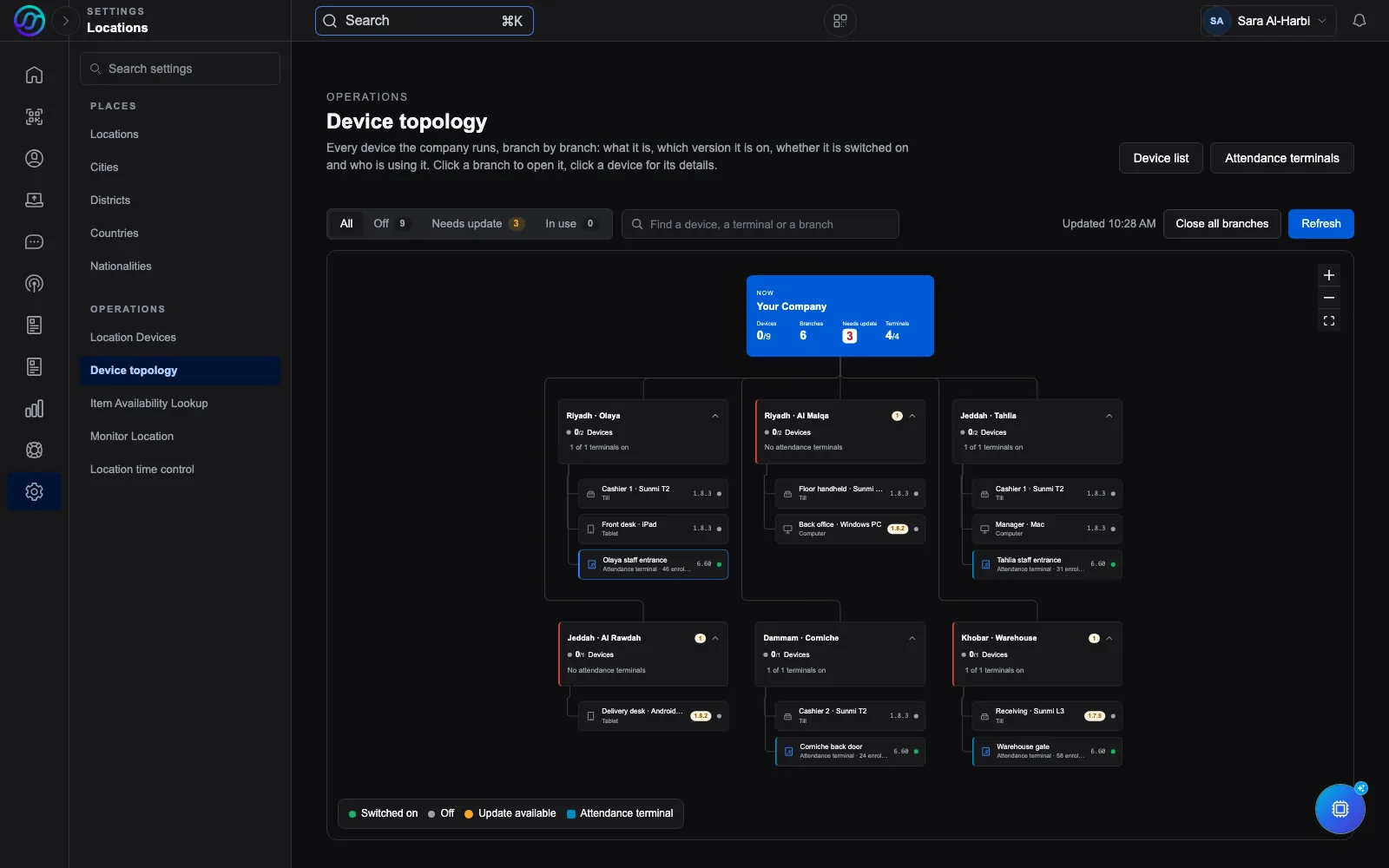
See how Run OSS organises staff devices by location. Demo data; UniFi and Shelly integration has a separately agreed scope.
Mobile is part of the operation
OSS Connect puts daily work in your team’s hands. OSS white-label gives your property its own app identity. Plan the guest services and staff permissions around how you operate.
For the people who make the stay work
Open tasks, review orders and follow support tickets from a phone. Staff can use the mobile app while the desk works in Run OSS.
Plan your team’s mobile workflowActual OSS Connect screens from the app store listing. These screens keep their original language and theme.
OSS white-label
Give your property an app with its own name, icon and colours. Agree the services guests can use, how their requests reach staff, and what the first release includes.
Set the app name, logo and brand colours.
Plan invitation forms, guest requests and the services included in your app.
Configure the Android and iOS app identities, then complete the store setup and review.
App features, setup and store publication are agreed per project. Store review is required.
Guest request form on mobile web. This is a real form example; the native white-label app is configured for your property.
From invitation to next visit
Start with a guest invitation form. Give each request a clear owner and status. Keep service and return visits part of the same operation.
Before the visit
Collect guest details through a request form. Set the required fields and route the submission through the review steps your property needs.
See request forms and workflows
During the visit
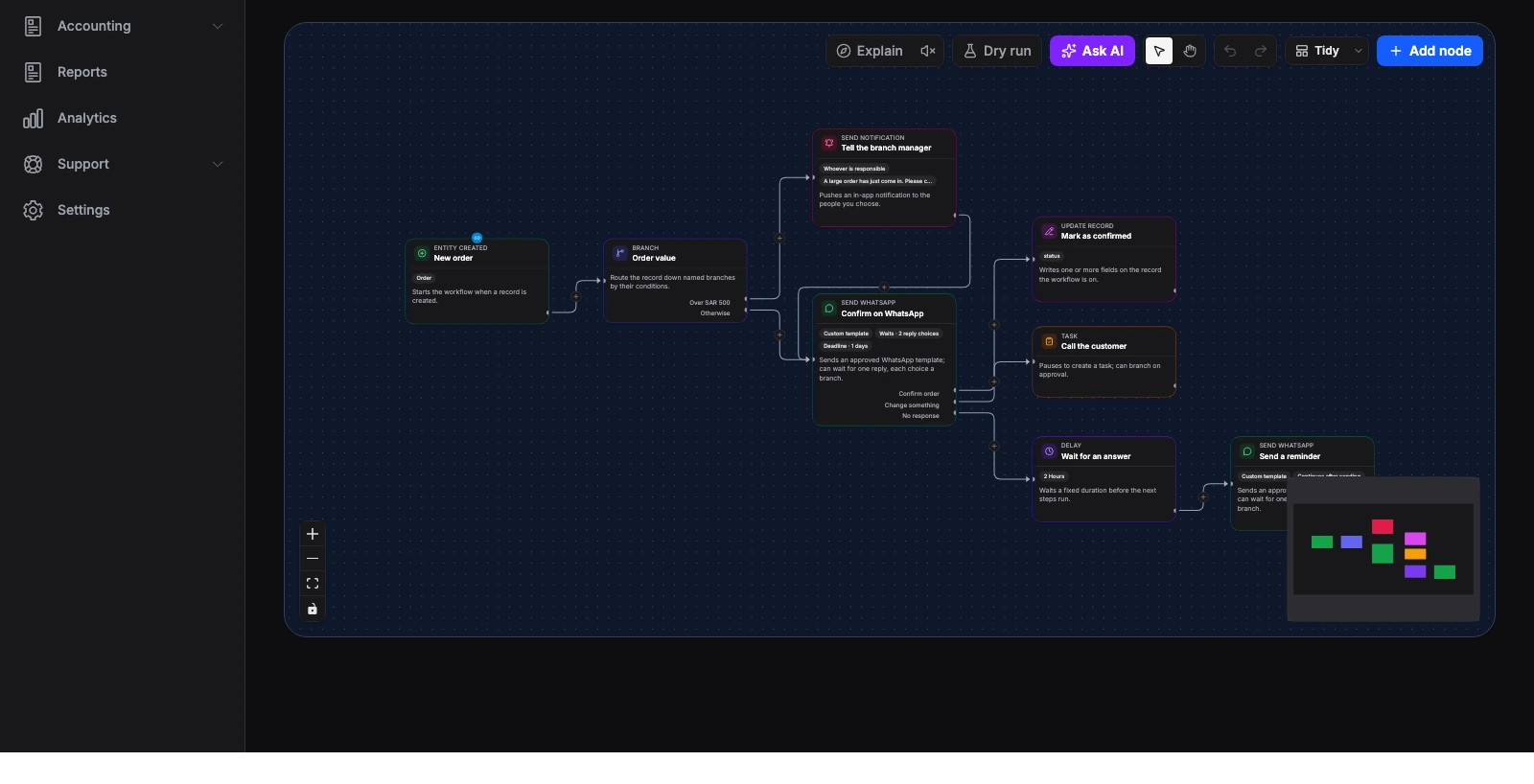
Use forms and workflows to capture a service request, pass it to the right team and follow its status.
See request and order tools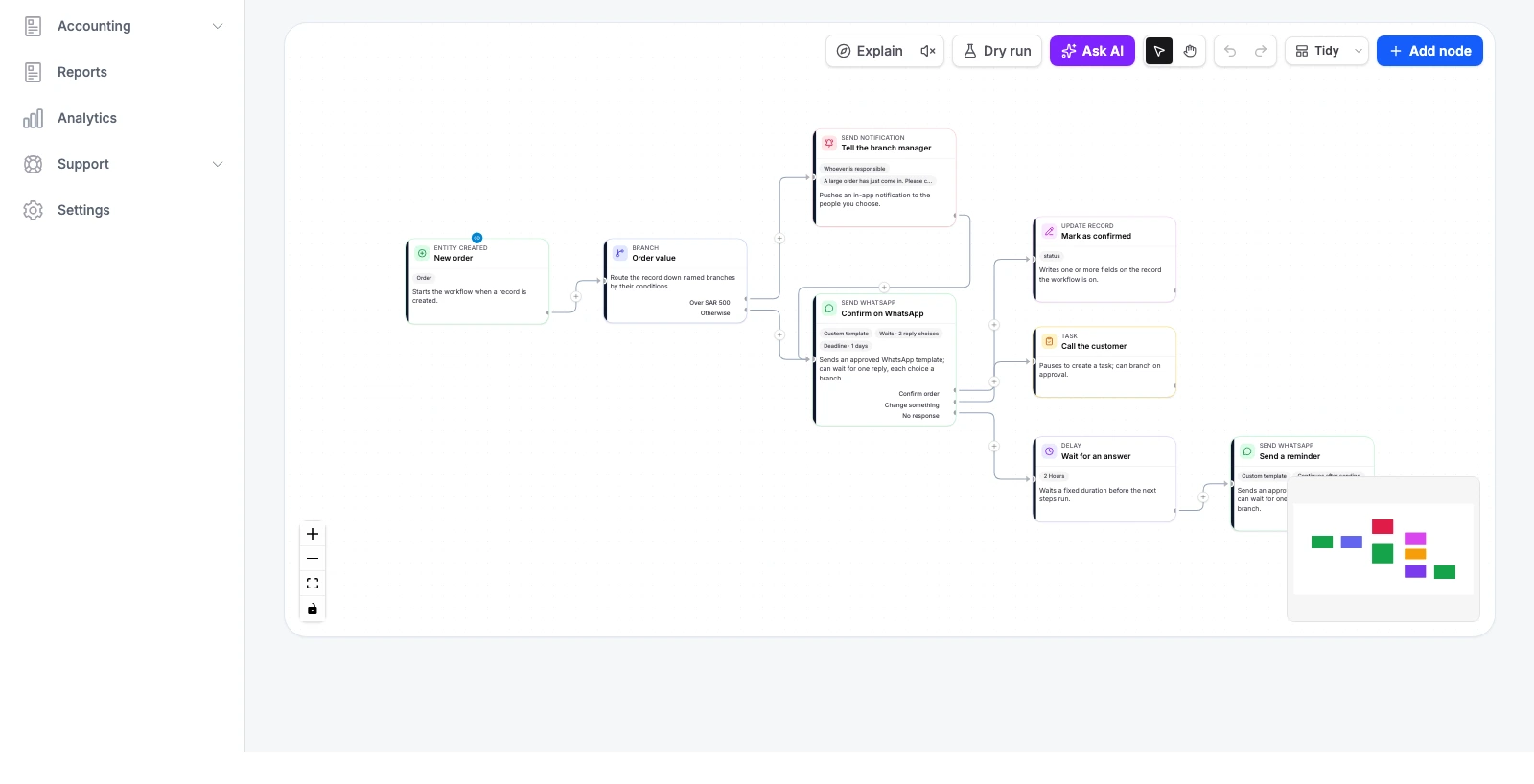
After the visit
Set points, stamps or tiers for your loyalty program. Choose rewards that fit your business and track their use.
See Run OSS LoyaltyYour next visit starts here
Recognition that brings people back.
You set the rewards and the rules.
Run OSS product screens with demo data. Your workflows are configured for your property.
Software meets the property
Bring UniFi and Shelly into the property plan. We review your equipment and network, agree the connections, and define what each team can see or control.
The connection scope is agreed before rollout.
An energy project built around your units
Plan metering by building and unit, then add controlled switching where it is suitable. A meter measures consumption; a relay switches an approved load. Each has its own role.
Map each device to the space and equipment it serves.
Only an authorised user can request an action on a connected device.
Confirm the device status after the command. No response is not a success.
Project scope, not a live control panel. Integration, mobile access and device response are tested during the agreed pilot.
Network, cameras and access
Plan guest and staff networks, UniFi Protect cameras and UniFi Access doors as part of your site setup. Agree which supported events and access workflows connect to Run OSS.
Energy metering and controlled switching
Plan energy readings by unit with compatible Shelly meters and separate relays for approved loads. Agree mobile access, staff permissions and status checks before rollout.
Device support varies by model and firmware. Hardware supply, electrical installation, network work and integration are scoped separately. Critical controls need an agreed local fallback.
Discuss hardware integrationMade for the way you host
Keep reception enquiries and guest service requests moving between the right people.
Connect teams across outlets, activities and facilities with shared requests and ownership.
Bring guest questions, on-site service and a reason to return into one journey.
Start small. Build with purpose.
Start with one useful workflow. Confirm it with your team, then decide what to connect next.
Map the guest journey, the handoffs and the systems you already use.
Agree models, network coverage and permissions. Map each device to its building and unit.
Check readings, device mapping and authorised commands. Confirm the response before accepting the pilot.
Check the workflow with your team. Add the next part when the first is working.
Questions
Yes. OSS white-label supports a separate app name, icon, brand colours and Android/iOS identity. We agree the guest features, setup and store submission scope before the first release.
This journey focuses on guest invitation forms, mobile apps, service requests, loyalty and connected operations. We review your booking or property management system before agreeing any connection. Do not assume that a specific PMS is supported.
We review the device models, firmware, network and available access first. The setup proposal states what can connect, what needs work and what should remain local.
No. Start with one workflow, such as guest invitation forms or service requests. Hardware work and other system connections can be planned separately.
Run OSS supports Arabic and English. We review your guest-facing forms, messages and team workflow in the languages you need.
The solutions, users, setup work and hardware determine the scope. Hardware supply, installation and third-party services can have separate charges. We agree these before work starts.
Built around your guests.
Bring one guest journey to a call. We will review the people, steps and systems it uses, then agree a starting scope.
PMS, booking, payment and hardware connections depend on the system, device model, access permissions and agreed scope. We confirm compatibility before installation.